Published - Mon, 12 Jun 2023
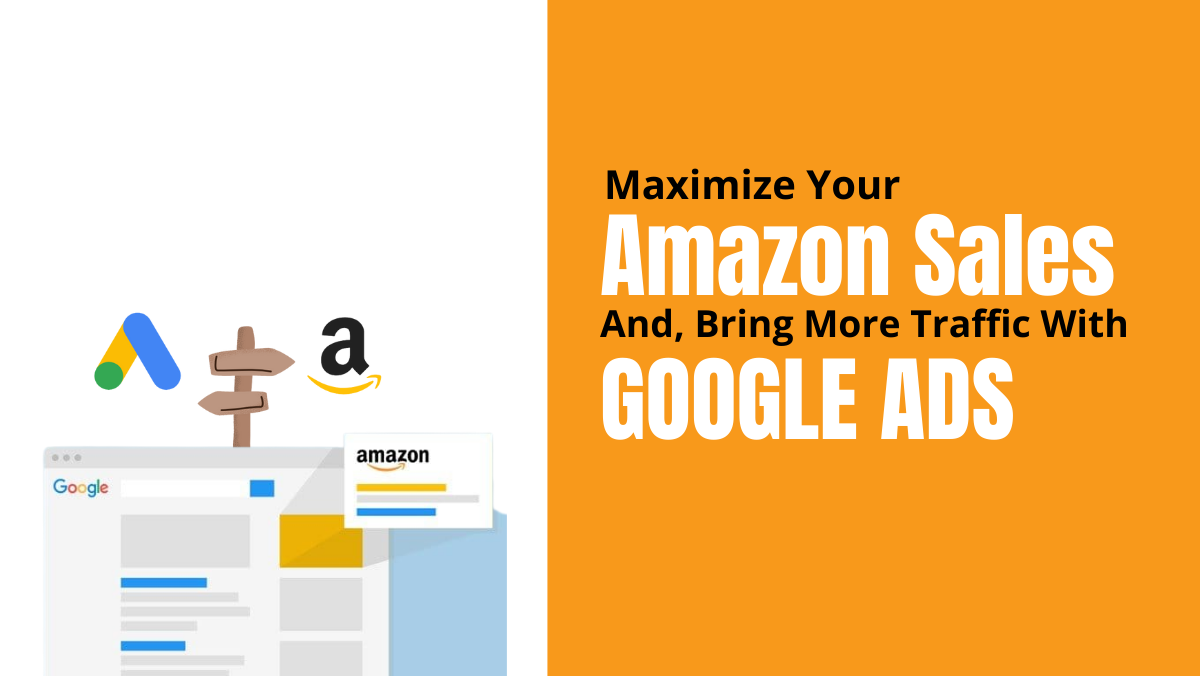
Maximize Your Amazon Sales and Bring More Traffic With Google Ads
Not all Amazon sellers are aware of how they can use Google Ads to drive more organic rankings on their Amazon products.
Maybe some know about it but are unsure how to do it right. If you’re interested in maximizing your Amazon sales with the help of Google Ads, then you’ve come to the right place.
There are tons of strategies on how to increase sales on Amazon, but for sure, you haven’t tried all of them, and that’s fine. Not all methods are suitable for all types of Amazon business models. So, let’s see and find out if using Google Ads is good for your business and how you can use it to your advantage.
What is Google Ads?
Google Ads is a program used by online advertisers to reach out through online advertisements to people who are interested in the products or services that they offer. It can be used to promote your business, raise awareness of your products or services to help sell them, and also to improve traffic to your website.
Since it is managed online, it is easier to create your ads and change or edit them anytime. Plus, another great thing about it is you can measure the results of your ads.
What Can Amazon Sellers Get from Using Google Ads?
Here are some of the benefits you can get when you use Google Ads.
Boost Ranking and Sales
Marketing campaigns are designed to increase sales, and this is the same goal of Google Ads. A lot of people use Amazon first to search for items they are interested in purchasing. But there are still many people who start their search outside Amazon, and most of the time, it is through Google. So, just imagine the number of customers you’re missing out on if you do not run Google Ads.
Targeted Ads
One of the good things about Google Ads is you get to reach people who are interested in your services or products since they offer different ways of targeting. For instance, you can choose a specific ad location, keywords, or age and language.
Your ads will only show up based on the targets that you set, making your marketing campaigns more targeted. Since Google Ads is search intent, you’ll know what people are searching for, and you can set that on your targets.
Measure Success
With Google Ads, it’s easy to measure your success since you’ll know if someone clicked your ad and purchased your product. By finding out which ads get more clicks, you can easily identify which campaign to invest in more and which campaigns to drop.
You can also calculate your ACoS with Google Ads using Amazon Attribution. This will allow you to know exactly how many sales you got from the external traffic efforts that you did.
Control Costs
The good thing about Google Ads is that you can set and control how much you want to spend. You are not forced to commit to a minimum spend. You can decide how much you want to spend on a particular campaign. You can start low and gradually increase depending on the campaign’s success rate.
Who Should Use Google Ads?
Google Ads would be suitable for Amazon sellers who are looking for a safe way to increase organic rankings. Those who feel that they’ve reached the ceiling or their sales have plateaued using their old strategies would also benefit from this program.
But we won’t recommend this to beginners. They should try out and explore Amazon Advertising first before trying out Google Ads. For seasoned sellers, using Google Ads can be more cost-effective than pouring money on Amazon PPC.
How to Create a New Campaign With Google Ads
Here’s a guide on how to create a new campaign using Google Ads and how to create a 2-step URL.
- The first step is to decide which item you want to promote.
- Once you have chosen the product, you need to choose a specific keyword. This specific keyword is the keyword that you want to send the traffic to a 2-step URL. A 2-step URL copies or recreate a search for a particular keyword when you send a person to your product
- You can use a tool like Helium 10 to create a 2-step URL. It’s free, and you don’t need a membership to create a 2-step URL.
- Next is to choose a marketplace, so here we are going to choose Amazon.com. Fill in the necessary details such as the ASIN, brand, and keywords.
- Click on generate.
- Once you’ve clicked on generate, you’ll be able to see the keyword and the product you’ve chosen. So, when you send your traffic from Google to this landing page, it will only show your product. You’re not competing with other products, which is very important because if you send directly to the listing, then you’re not going to get the extra ranking juices from this 2-step URL.
- Once you have decided on the keyword, the item, and have created the 2-step URL, copy and paste it someplace you can easily find it later. Copy the link to your listing and paste it to the same place you pasted the 2-step URL.
Now it is time to go to Google Ads.
- If you don’t have an account yet, just go to ads.google.com and create an account.
- Log in to your account, then click on “Create A New Campaign.”
- From there, you will be given options to choose from. We like to choose “website traffic” and “search.”
- On the search field, copy-paste the URL of your listing. We usually use the keyword that we’re trying to rank or the product name on the Campaign Name.
- Uncheck the “display network,” and for locations, choose the United States or the country where you are selling.
- For location options, under “Target,” choose Presence People in or regularly in your targeted location. Then under “Exclude,” choose Presence People in your excluded locations.
- For languages, best to keep all languages because sometimes people live in the United States, but their language is different.
- For the budget, you can start small, like $10. You can always increase it to $20 or $30 depending on the result and how well it’s doing for bidding.
- Then choose “Clicks,” if you’re wondering why we don’t choose conversions, it’s because with Amazon Attribution and with Amazon in general, you can’t put your pixel. When we say pixel, it’s a little piece of code in the landing page on the checkout page.

Basically, it records every sale that happened. Now Amazon does not allow us to inject and put this code. But it is so important. Because if you have this code, then Google can connect the traffic with the sale. It can create a look-alike audience and give Google Adwords AI learning capabilities to really send you more targeted traffic.
10. Set the Clicks to “Maximum cost per click.” For Bid Limit, we usually start very
small, like 25 cents or 30 cents. The reason for that is that ten clicks from Google
ads traffic and ten clicks from the Amazon PPC platform will convert in different
rates.
11. For Ad Extensions, you can just leave it blank and don’t choose anything. Then click Save
and continue.
12. After clicking save and continue, it will ask you to add keywords. Basically, it already
fetched some keywords from the actual listing that you provided earlier. However,
not all of the keywords there are correct.
You can go and check with your competitors, or your own keywords that you know have high volume, and that will get some traffic. We suggest that you put them as phrase match. Then click Save and continue.
13. Next is to place the final URL. That’s where we are going to use the 2-step URL that we have created earlier and place it in the Amazon Attribution link. The reason why we are doing this is to get those extra sales.
In our experience, in less than a month, we were able to make $116 just in commissions from Amazon for sales we made through the traffic we sent. It’s also surprising that we had five sales on that day, and we only probably spent around $7 or $8.
So, what does this tell us? It tells us to send more traffic from Google to our listings since they are doing very well, and we should reduce some of our bids. It’s basically free sales because the money that we earned from Amazon Attribution covers the money we spent to send this traffic.
How to Create Amazon Attribution Link?
Before we proceed in creating an Amazon Attribution link, let’s discuss first what Amazon Attribution is. It is an advertising and analytics measurement tool that provides marketers with insights and understanding of the performance of their non-Amazon marketing channels on Amazon.
Amazon Attribution is available for vendors, professional sellers who are enrolled in Amazon Brand Registry, and agencies that have clients who also sell their items within Amazon. Vendors and qualified sellers can access Amazon Attribution measurement via tool providers that are integrated with Amazon Ads API and through the self-service console.
Non-Amazon ads that can be measured through Amazon Attribution are social ads, search ads, video ads, display ads, and email marketing. Some of the reports available on Amazon Attribution are Amazon conversion metrics and clicks. Users can view the reports within the console, which is available through downloadable reports.
Now let’s proceed to create an Amazon Attribution Link.
Before creating an Amazon Attribution link, make sure you’re eligible and have set up your Amazon Attribution account.
- Once you’re on the Amazon Attribution console, click on “New Order.”
- Now that you’re on the New Order page, you need to choose the product you want to add and then click Add and provide a name for it. You can use the product name for it and the channel you want to use. Then click on Continue to Line Items.
- Under New Line Item, you need to provide the Publisher and Click-through URL. For the Publisher, since this is for Google Ads, choose Google Ads as Publisher, and for the click-through URL, we will use the 2-step URL we created.
- Click on Create, and you will have your Attribution link.
- Simply copy the link you created and paste it on Google Ads. Now you can track all the clicks from that link.
Apart from Google Ads, you can use this on other channels like Facebook.
How Does Amazon Reward Sellers for Running External Traffic Campaign?
Aside from increasing your sales and organic rankings, you will also be rewarded for running external traffic campaigns like Google Ads by Amazon. This is through their Brand Referral Bonus.
This program allows brands to earn a bonus from their marketing efforts outside of Amazon. Brands can get at least 10% of sales from the traffic you’ve sent through Amazon on average. Aside from the referral bonus, it can also help you advertise better and efficiently by getting the same bonus for customer purchases of any additional products from the Brand, as long as it’s within fourteen days after they clicked on the ad.
While you have to wait for two months before you’ll see the bonus on your account, the money you’ll earn from the Amazon Referral Bonus program is worth the wait.
Conclusion
Google Ads is not for everyone, especially for those who are just starting their journey selling on Amazon. It would be more useful and cost-effective for those who have tried and maximized using the Amazon Advertising platform. What we really want to tell the readers here is that don’t be afraid to test and try other strategies. Add variations until you find the right one for your business. Google Ads is an additional tool you can use to boost your sales, not only on Amazon, but with other platforms as well.
Created by

Comments (0)
Search
Popular categories
Ecommerce Trends
239Business
54Marketing
37Website
23Social Media
22Courses
21Latest blogs
The Power of Email Marketing in eCommerce
Fri, 15 Mar 2024
Tips for Optimizing Product Pages for Conversions
Thu, 14 Mar 2024
Mastering SEO for eCommerce Websites
Wed, 13 Mar 2024
Write a public review